



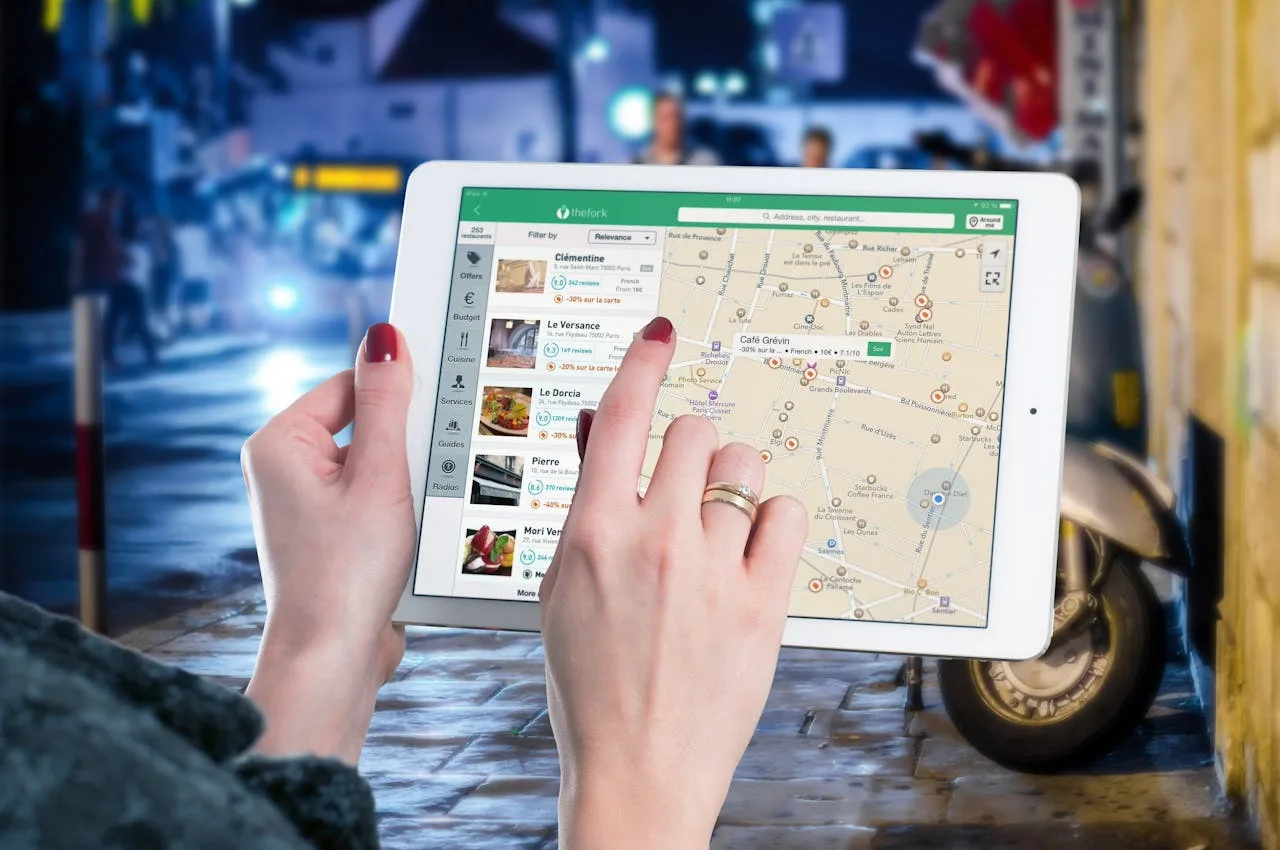
Business owners can no longer depend on the Yellow Pages to make their existence known to residents of their local communities. When modern consumers want to search for types of businesses in their towns and cities, they depend on the Google search engine to research this information. Google is the “Yellow Pages” of the 21st century.
For instance, if a consumer searches for “plumbers in Pittsburgh, PA” on Google, a list of local plumbers and plumbing businesses appear as snippets at the top of the first page on the search results pages. These snippets convey specific information about those businesses, such as their name, service type, address, phone number, hours of operation, and star ratings. Pictures can even be uploaded inside and outside the businesses.
How you list and rank your business on Google differs from how you would do it for your website. If you want to create a snippet of your local business on Google, you first must create a commercial profile for it on “Google My Business.” That is how local consumers will discover your business when conducting Google searches.
What is Google My Business?
Google My Business is a 100% free online platform for creating and managing a profile for your local business on Google. It requires you to fill out all the essential information about your business that you want people to see. Once the profile is created, people searching for local businesses like yours in the same town or city can find a snippet of your business information at the top of their localized search results page.
Remember that your local business snippet will compete against other local businesses. That is why you must implement an effective local SEO strategy to rank your snippet higher than other competing businesses in your area.
Local SEO involves adding the following to your business profile listing:
- Keywords in your business description
- Relevant photos for your commercial building
- Google Maps geographical pins (good for attracting mobile users)
- Acquiring lots of positive customer reviews
- Links to your website
The more relevant information and content added to your Google My Page profile, the more likely your snippet will rank higher on local search results pages. It won’t happen overnight, but it could happen within a few months as more people discover your business and leave reviews.
Positive customer reviews create a sense of trust between your business and new prospective buyers looking for a service like yours. That trust will deliver your business more leads, phone calls, and sales.
The Top Benefits of Google My Business
You can enjoy numerous benefits to using Google My Business regardless of the type of local business you operate. Local service providers and brick-and-mortar business owners can benefit from creating a digital presence on Google.
Here are the top benefits your business will enjoy from this:
1) Higher Ranking
The number one reason to use Google My Business is to rank your business information and website higher on Google search results pages. In addition to the local snippet created, your Google My Business profile page will help rank your business website listing higher. That means people can discover your business website listing on the normal search results listings and the snippets.
2) Increases the Number of Calls and Leads
More customers will discover your business if your snippet appears on local Google search results pages. You will know when this is happening because you will receive more calls and leads to your business. If you operate a brick-and-mortar store, you should see more customers walking through the front doors after discovering your business online.
3) Builds Credibility and Trust
The secret to any business’s success is building trust with customers. Trust is important for driving repeat sales and inquiries from the same customers to your business. If they see that your company has mostly positive customer feedback and 4 to 5-star ratings, that is enough to convince them to purchase your products or services.
4) Analytical Insights
Google My Business gives you access to analytical data to see how potential customers engage with your profile listing. It lets you view the total impressions, calls, clicks, star ratings, and views on Google Maps. All this information helps you understand customer behavior with your listing so that you can make more informed local SEO and marketing decisions moving forward.
Tips and Considerations
Google My Business makes listing your business profile on the platform extremely easy. However, you must ensure that you comply with Google’s rules and guidelines, or you risk your commercial listing being suspended temporarily or banned permanently. That is the last thing you want to happen because it could reduce your number of leads, calls, and sales. That would ultimately destroy your business reputation.
Here are some tips and considerations to avoid having your Google My Business profile banned:
1) Fake Reviews
As stated, positive customer reviews help boost the ranking of local business profiles and snippets on Google search results pages. Just make sure these are authentic reviews for actual customers of your business. Do not ask your friends and family to leave fake reviews because that could get your profile banned quickly.
Google has some of the world’s most sophisticated AI and review authentication technology. If any suspicious patterns are detected on the customer reviews of your profile, it will be banned. So, please avoid asking anyone to leave fake reviews. And don’t pay for fake reviews, either.
2) Entering False Business Information
Never enter any false or fake business information on your profile. Ensure that your business name, address, phone number, and website URL are accurate and consistent. If any false information is detected, your profile may get suspended.
3) Keyword Stuffing
Adding SEO keywords to the business description of your profile is a good thing, but make sure you don’t overdo it. Google can detect and penalize your profile if it detects too many unnecessary keywords.
4) Using a Virtual or PO Box Address
You must use a physical business address on your profile. Google does not accept profiles with virtual office addresses or PO Box addresses. Listing such addresses could get your profile suspended.
Conclusion
Google My Business is the most effective way for business owners to increase traffic and gain more traffic, leads, and sales from local consumers. Creating a Google My Business profile is free and only takes 5 to 10 minutes to complete. Then, you must periodically monitor the analytics to see if your local SEO marketing efforts are paying off.
Website: https://www.prorank.co.za